
MP4 to MP3 Online for LINE & Commute Listening (2026 Guide)

A two-hour lecture video will not fit comfortably through chat — and you only need the voice on the train anyway. Creators strip music beds from MP4s to draft podcasts; students turn class recordings into MP3s for offline playback; teams share voice-only recaps when video is overkill. Converting MP4 to MP3 online is the practical move: smaller files, faster sends, battery-friendlier listening. This guide covers extract-audio steps, bitrate choices, trim-first habits, and chat-app realities (including LINE-style sharing common across Taiwan and CJK markets).
Why people search “mp4 to mp3” (and「mp4轉mp3」)
| Job | Why audio-only wins | Watch-out |
|---|---|---|
| Chat send (LINE / similar) | MP3 is far smaller than MP4 | App caps still apply |
| Commute / gym listening | Screen-off playback | Speech clarity > music fidelity |
| Podcast raw track | Video track is dead weight | Keep enough bitrate for speech |
| Archive notes | Easier to store years of lectures | Name files with dates |
| Transcription prep | Many STT tools prefer audio | Noise still hurts accuracy |
Video containers multiplex picture + sound; extraction demuxes or re-encodes the audio stream. Browser media concepts: MDN Web Media, HTML audio. Emailing the result still hits attachment ceilings — Gmail 25MB help.
Practical rule: If nobody needs the picture for this share, send audio. You save bandwidth and avoid “file too large” loops.
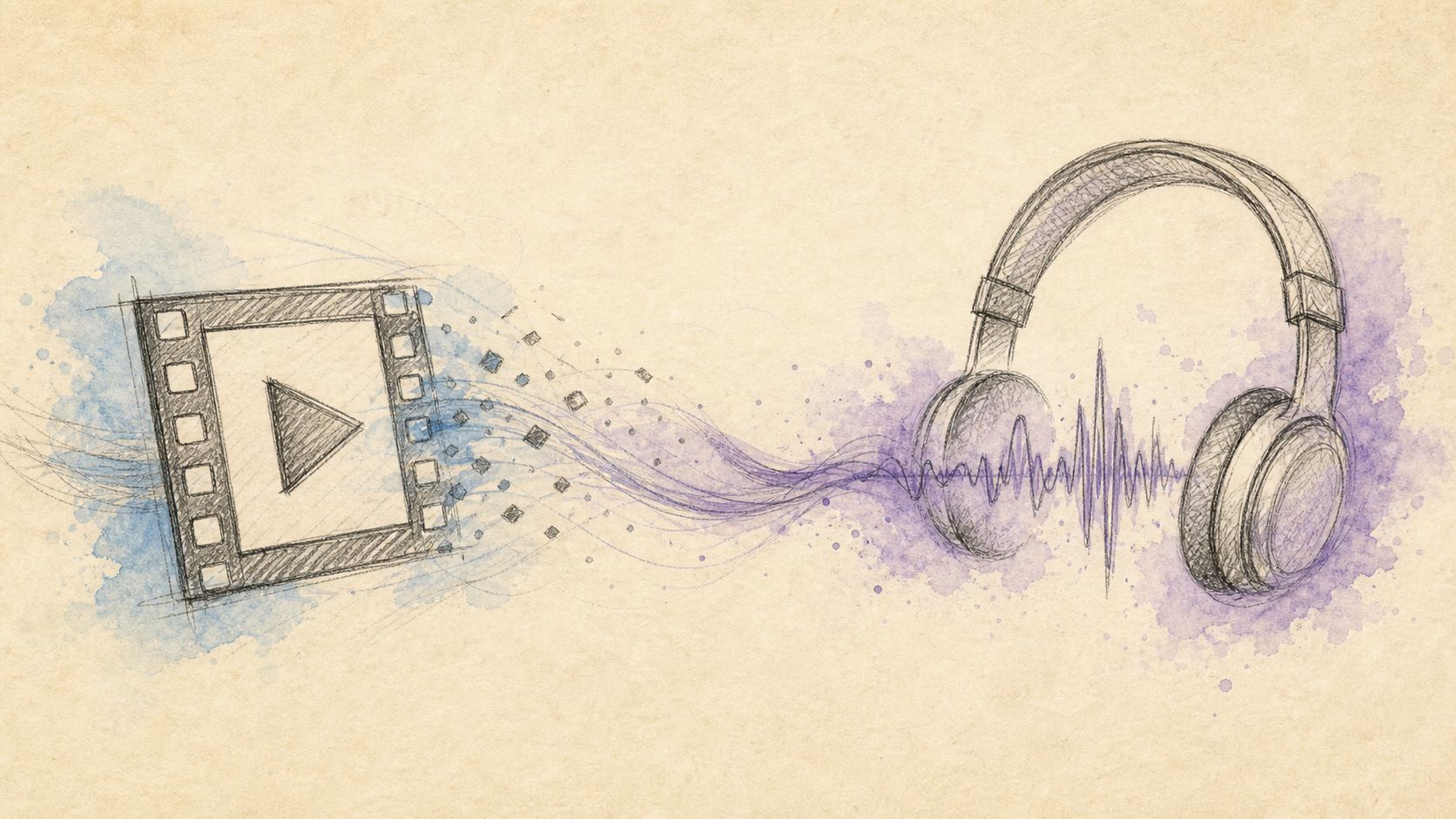
Image: voice-first delivery for chat and commute.
Method A: Extract audio with CutFast (recommended)
Open extract-audio, drop the MP4/MOV, choose MP3 (or M4A/WAV when quality/editability matters), download. Prefer browser-local processing for class recordings with student faces in the video track you are discarding anyway — the point is not to re-upload sensitive campuses to random converters.
Steps
- Optional but powerful: trim to the chapter you will actually listen to (e.g., 18:00–42:00 only).
- Open extract-audio.
- Select the file → export MP3.
- Spot-check 10 seconds of speech + any applause peaks.
- Send via chat, load into a podcast queue, or archive.
If speech is too quiet after extract, use volume or normalize-loudness on the audio-centric path. If the partner needs a different container first, convert.
Practical rule: Trim before extract when you only need one chapter. Smaller source → faster process → smaller MP3 → happier chat apps.
Bitrate starting points (speech-focused)
| Content | MP3 bitrate start | Notes |
|---|---|---|
| Speech / lecture | 128 kbps mono or stereo | Usually enough |
| Interview with light music | 160–192 kbps | Safer headroom |
| Music-critical | 256–320 kbps or WAV/FLAC path | MP3 is lossy |
| Rough voice memo only | 96 kbps | Tiny, acceptable intelligibility |
Loudness targets for podcast publishing: LUFS overview, ITU.
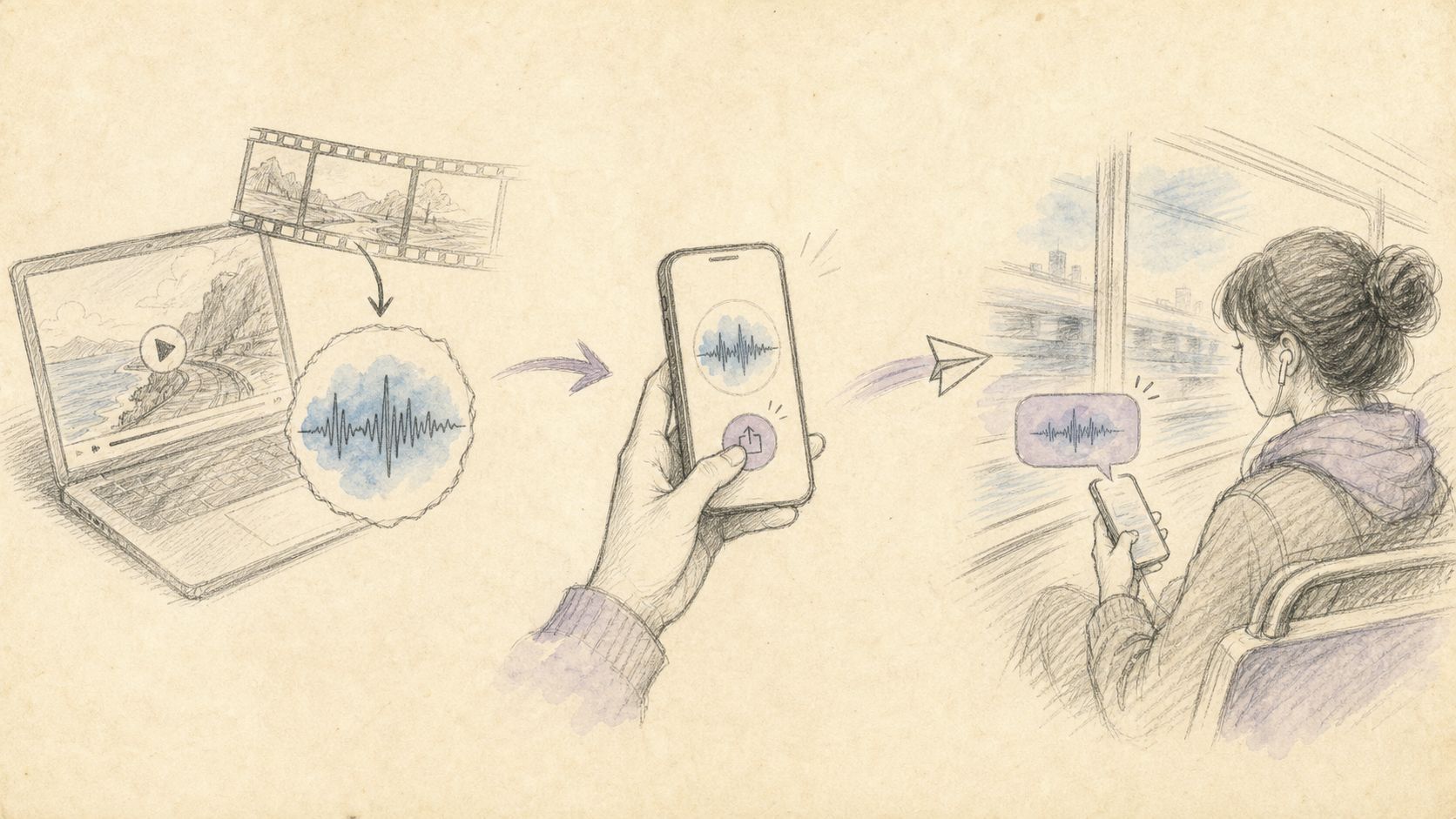
Image: trim optional → extract MP3 → share.
Method B: Alternatives (desktop, phone, cloud suites)
Desktop (VLC, Audacity, HandBrake-adjacent flows)
Maximum control, batch friendly, steeper for one-off LINE sends.
Phone “save audio” features
Handy for vertical social downloads already on device; quality and legality of source vary — only convert media you have rights to use.
Full cloud editors
Fine when already collaborating in that suite; unnecessary friction for “I just need MP3 of this MP4.”
| Method | Install | Privacy posture | Best for |
|---|---|---|---|
| extract-audio | No | Browser-oriented | Fast chat / commute |
| Desktop tools | Yes | Local disk | Batches, pro codecs |
| Phone export | App | Device | Already-mobile clips |
| Cloud NLE | Account | Server drafts | Team timelines |
Practical rule: Match tool weight to frequency. Daily lecture strips → save a bookmark to extract-audio. Monthly album rips → desktop batch.
Comparison: MP3 vs M4A vs keep-as-video
| Deliverable | Pros | Cons | When |
|---|---|---|---|
| MP3 | Universal, small | Lossy | LINE-style chat, commute |
| M4A/AAC | Efficient speech | Occasional app quirks | Apple-heavy listeners |
| WAV | Edit-friendly | Huge | Mastering / heavy FX |
| Keep MP4 | Picture retained | Large | Need visuals |
Related size work: if you must keep video for someone else, compress-video or compress-to-25mb paths help email limits.
Advanced tips for Taiwan / CJK commute & chat culture
- Name files clearly:
2026-07-16_marketing-lecture.mp3beatsmovie.mp3in group chats. - Chapterize long classes with multiple extracts instead of one 200MB audio wall.
- Normalize series so episode 1 and episode 12 feel similar in earbuds.
- Respect rights — extract for personal study of content you may use; do not redistribute copyrighted courses illegally.
- Battery & data: audio-only offline saves mobile data in subway dead zones.
- Transcription: cleaner audio → better STT; trim silence first.
- Privacy: campus faces may remain in the video file you keep locally — delete intermediates if policy requires.
External refs: MDN Media, MDN audio, Gmail attachments, LUFS, ITU, YouTube audio help hub.
Practical rule: Chat success = intelligible speech + small enough file, not maximum audiophile bitrate.

Image: offline MP3 for trains, gyms, and group chats.
Frequently asked questions
How do I convert MP4 to MP3 online free?
Use an extract-audio tool such as CutFast extract-audio: upload/select MP4, export MP3, download.
Will I lose video forever?
No — extraction creates a new audio file. Keep the original MP4 if you still need picture.
What bitrate for lectures?
Start at 128 kbps; go higher only if music beds matter. Clarity first.
Can I extract only part of the video?
Yes — trim first, then extract. Ideal for “only week 3 midterm review.”
MP3 or M4A for iPhone users?
Both usually work; MP3 remains the most universal for mixed Android/iOS LINE groups.
Is this legal?
Convert and share media you have rights to use (your recordings, licensed materials, employer assets). Do not pirate.
Extract the voice, skip the pixels
When the job is listening — not watching — MP4 to MP3 is the right compression of attention, not just bytes. Trim the chapter, extract with extract-audio, normalize if the series is uneven, and send a file that actually arrives. Continue on cutfa.st with trim, volume, and normalize-loudness.
— CutFast Team
More in this series
- Boost MP4 Volume Online Free (2026): Fix Quiet Videos in Your Browser
- How to Remove Background Noise from Video: 3 Methods Compared + CutFast AI Guide
- Extract Audio From Video Online Free (2026): One-Click to MP3/WAV, No Upload, No Watermark
- How to Convert WebM to MP4 Free (2026): No Upload
- Social Media Video Aspect Ratio Method (2026): One Source for Vertical, Square & Horizontal
View all 26 articles in Format Conversion & Compression →